How Do 1:1 Online Digital Art Lessons Work?

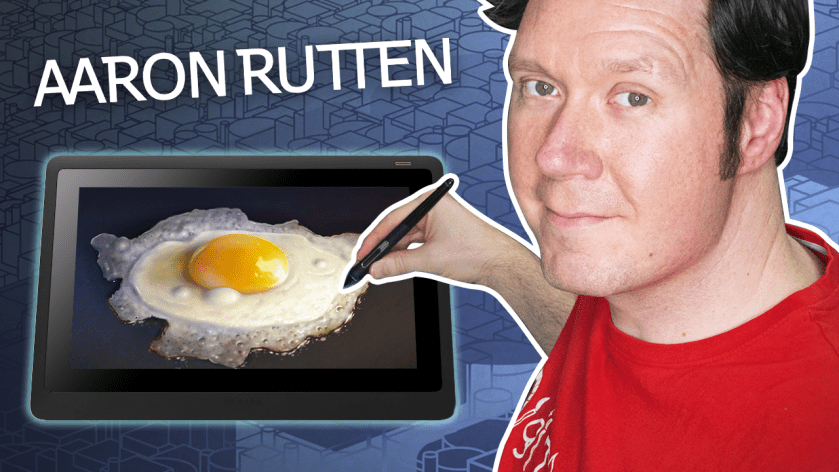
One of the best ways to learn digital art is through one-one-one instruction with an expert digital artist. I’m Aaron Rutten and I have been teaching digital art online for more than a decade. I have worked with artists of all skill levels from locations all around the world.
📃 Intake

When a client discovers my services, they can either contact me directly via email or fill out a contact form. The form gives the client an opportunity to share key information that helps me better understand their goals.

Some artists may be absolute beginners and want to take traditional art lessons. But I have also helped many established artists succeed with their projects through consultation.

I’ll also need to gather critical information like the client’s computer, operating system, and art hardware and software.

And then of course, scheduling information is needed to book the session. Have a look at my contact form to see what information I collect and what my rates are.

After assessing the clients needs, I put together a plan so that we can hit the ground running during our session.

☎️ Meeting Software

I am fairly flexible about what service I use for online sessions. There are lots of options like Zoom which is what I use. If the client has a preference for a different software, I am happy to accommodate them.

During the first lesson, there will inevitably be some troubleshooting I will need to help the client with so that we are both able to connect effectively through the meeting software. This can be minimized or even avoided if the client takes time before our session ensure their camera, audio and screensharing are all functioning correctly.

At a minimum, the client will need to share audio and a screenshare of their computer. This allows us to synchronize with the art software open on both of our computers.

For example, I can share my screen and demonstrate while the client follows along with me. Likewise, clients can share their screen and I can verify if they are doing it correctly.

There is some flexibility, such as if a client prefers to call in on a phone, but screenshare on a computer.

✏️ Lessons

The subject of my lessons is quite varied and depends on the client’s needs.

  • I could be asked to walk a client through a work-in-progress to suggest more efficient workflows.
  • Some clients have an idea for an illustration and want me to guide them through it to completion.
  • Others just want personalized assistance making sense of a feature in their software.

Sessions are, on average, 1 hour long, but some clients may want to go longer.
By the end of the session, the client will have achieved all, or at least part, of their objective. Complex subjects may require more than one session.

Some clients may want to take additional lessons in the future. And I even have clients take monthly or weekly sessions.

I have taken several classes from Aaron, as well as watched his You Tube videos.  We have also done in-person instruction.  Aaron is a really great teacher of not just digital art, but art.  I thought I couldn’t draw realistically.  But after taking Aaron’s Landscape class, I can!  I never could have learned to use Painter were it not for Aaron.  Thank you, Aaron, you’re the best! – Kerry Mitchell

Aaron’s deep knowledge of Corel Painter, coupled with his considerable gifts as both an artist and a teacher, were invaluable to me. Digital art was not only something very alien to me, I was initially somewhat wary of it, but the path of discovery Aaron helped put me on has reinvigorated my creative impulses, and made me a true believer in this medium. Gary Larson (TheFarSide.com)

⭐ Premium Features

Included with your session are a few premium Zoom features that can increase its value:

  • An optional Video Recording of our session is available upon request. Otherwise, sessions are not recorded. A recording can be watched again and again so that you don’t have to rely on memory.
  • An optional AI-generated summary of our session is available upon request. This can be more succinct than watching a video, but there is also the possibility that the summary contains inaccuracies.
  • Automated live captions are available, but may not be 100% accurate.
  • You have the option of giving me remote control of your mouse to demonstrate or help you directly solve a problem.

💳 Payment

I require payment for each session upfront before the session starts.

Typically, clients use an online payment method such as PayPal, but I also accept other options.

🎨 Getting the Most Out of Your Session

Aside from sufficiently communicating your objectives and ensuring you are set up to use online meeting software, there are some other tips for maximizing your session with me.

  • I offer video lessons which cover the basics of many popular art applications. You may want to start with a video course to at least get a basic understanding of how the software works while learning at your own pace. We’ll be able to move through our session more smoothly if less time is spent training on software basics.
  • Gather any relevant assets like artwork, websites or reference images before the session so you aren’t using up time hunting around your computer.

📆 Book a Lesson

If online digital art instruction sounds like an effective option for you, don’t hesitate to contact me to set up your first lesson.

I also offer in-person sessions in the greater Seattle area and I am willing to travel to your location for Private Intensive Courses or Consultation.
Seattle-Area Digital Art Lessons & Consulting

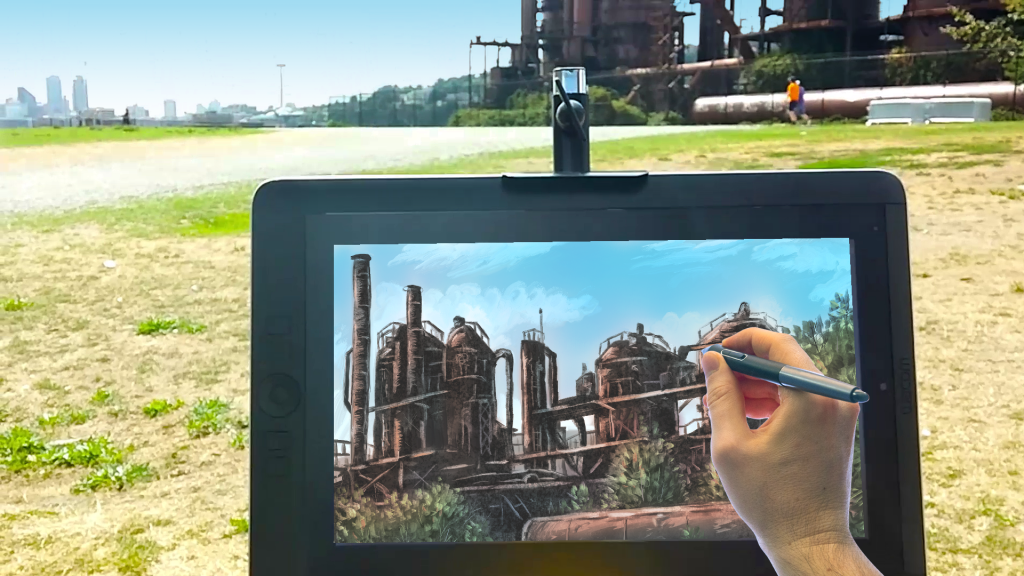
If you live in the Seattle area and you are interested in meeting in-person for private digital art lessons or art consultation, you are in luck.

Aaron Rutten has a reputation for being one of the best digital art instructors in the world and he is located in Seattle.

Aaron has provided services in Seattle since 2013 and has worked with Seattle artists like Gary Larson and Dav Pilkey, as well as many other folks who are interested in learning how to create digital art.

Aaron has an in-depth knowledge of digital art hardware like Wacom tablets, as well as a variety of popular art software like Krita, Rebelle, Corel Painter and Photoshop.

Booking a session with Aaron is easy. Simply fill out a contact form below and he will reply with his rate and availability.


You can learn more about the services Aaron offers, as well as read about projects he has worked on on his website: digitalartsmart.com

What is Sponsored Content?

If you’re interested in hiring a social media influencer to create Sponsored Content, you might be curious about how that process works. In this blog post, I’ll give you a rough idea of what you can expect.

I have created Sponsored Content on my YouTube channel for brands like Dell, Wacom, Autodesk, Corel, Tourbox, Best Buy, Logitech, Squarespace and more.

These clients reached out to me either directly or through an intermediate Social Media Marketing company. The brands submitted a Project Outline and I responded promptly with my availability.

In many cases, the brand submitted an offer, but other times they asked for my rates. I have my rates and services for sponsored content available as a Media Kit.

I offer several types of sponsored content:

• YouTubeVideo Mention (Non-Exclusive)
A video mention is a short video (typically 3-5 minutes) that briefly introduces the audience to the brand’s product.

The promotion is typically integrated into a related tutorial or topic. For example: I introduce Autodesk Maya in a tutorial about how to model a pen in 3D.

When the video is Non-Exclusive, that means I can still post other sponsored videos, even if they are from the brand’s direct competitors.

YouTube Video Mention (Exclusive)
An Exclusive video mention is the same as above, with added exclusivity. This means that, for an agreed upon timeframe, I will not post any sponsored content from the brand’s direct competitors.

This exclusivity upgrade adds an additional fee.

• Dedicated Product Video (Non-Exclusive & Exclusive)
A Dedicated video is a video dedicated solely to a brand’s product. For example, a review. These are typically longer at 15-30 minutes.

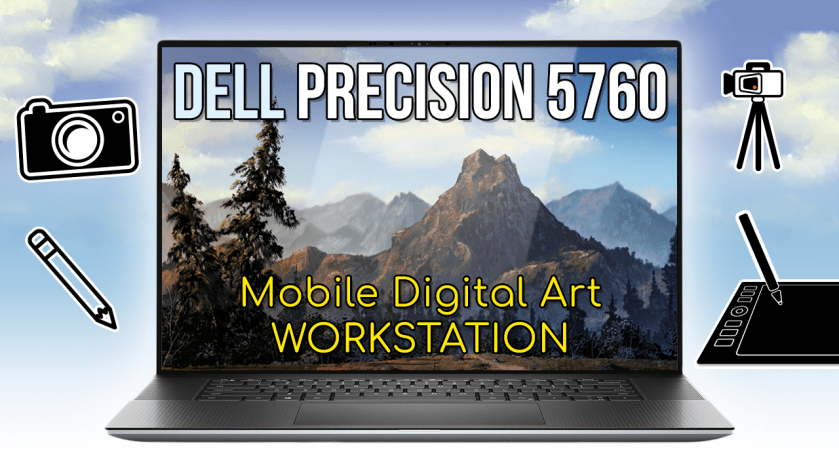
Here’s an example of a dedicated review for Dell.

I think you already get the idea about non-exclusive VS exclusive videos, so we’ll move on.

• YouTube Community Post
A sponsored post is in text and image format. I share these to my YouTube Community feed. The fee for a post is much lower compared to a video.

Once we have agreed on a rate, deadline and project terms, in most cases both parties will sign a contract. I require a deposit of 50% of my fee upfront before starting on projects. Once that has been paid, I start writing a script for the video.

A script ensures that the creator doesn’t waste time creating something that doesn’t satisfy the brand. Once both parties have agreed on the script, I begin production.

I take time to carefully study the product being promoted. I learn how to work with the product and ask questions if anything is unclear. When I am confident in my review, I will record the video.

Once the first draft of the video has been completed, I submit it to the brand for approval. If revisions are needed, I will apply them based on whatever terms we agreed upon.

Once the final version of the video has been approved, I collect the final 50% payment before making the content live on my YouTube channel.

If requested, I can provide invoices for any payments.

Conclusion

As you learned, the process for getting your product in front of an audience is really simple, if you find the right influencer. If you are interested in how I can help you, don’t hesitate to contact me.

What is Digital Art Consulting?

If you are interested in Digital Art Consulting services, you might be wondering how that process works. In this blog post, I’ll try to summarize the digital art consulting services I provide and give examples of past clients I have helped.

While their needs have varied, the one thing all of my digital art consultation clients have had in common is this: they wanted personalized help with digital art and I was one of the few artists they were able to find who was offering that service.

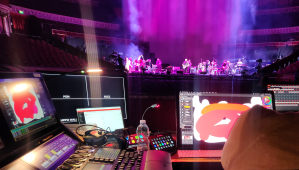
I received a credit in the production of David Gilmour’s ‘Luck and Strange’ Tour in 2024.

Whether they discovered me on YouTube or elsewhere, they quickly noticed that I have a wealth of knowledge about digital art, art software, and art hardware, as well as many other essential skills needed to create content.

After a client reaches out to me, I promptly arrange a meeting, either in person or online through software like Zoom or Google Meet. Some clients traveled to meet me in Seattle from as far away as Qatar, while others paid for my travel to their location.

Before our meeting, I carefully assessed the client’s needs and put together a game plan. This way, once our meeting started, we were able to hit the ground running.

Here are some examples of what my clients wanted:

  • Wacom tablet troubleshooting and training
  • Digital art software training
  • Art project consultation
  • Creative direction
  • Art lessons
  • Computer tech support

During our meeting, I made sure the client’s needs were met and went above and beyond to provide the best service possible. I answered any questions they had and left them confident with what they had learned.

After my consultation, my clients were able to realize their goals and their projects were successfully completed.

If you are looking for an experienced consultant to help you bring your creative ideas to life, don’t hesitate to contact me.